 Image Generator
How to Get a Better GTA-Style Portrait From a Group Photo
Choose a source photo, a scene, and an image size that keep everyone in frame.
· ImageGenerator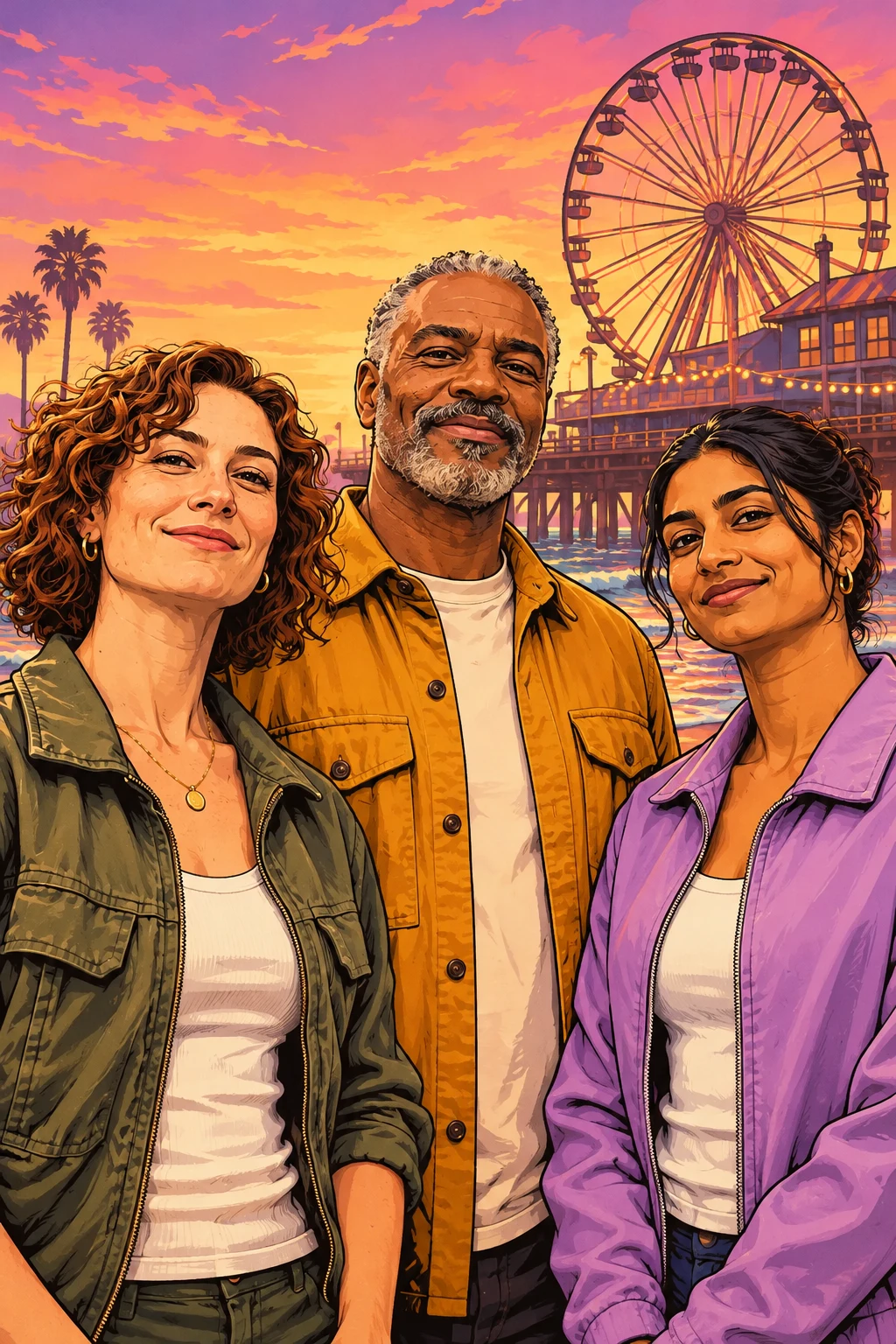
Start with a photo where everyone has room
A group shot taken at eye level makes it easier to keep faces recognizable. Look for even light across the group. If the camera was very close to one person, choose another photo where faces are about the same size. Leave a little space on both sides of the group so the composition can change without crowding the people at the edge.
Get permission from everyone shown before you upload the photo to the GTA Style Image Generator.
Match the scene to the light in your photo
Del Perro Pier gives you a warm sunset and a Ferris wheel that reads well behind a group. Grove Street suits a photo taken in daylight, when the shadows in the source image are already sharp. Star Junction uses darker blues and bright signs. Try it with a photo where the faces are well lit, since dark hair and clothing can blend into a night backdrop.
Choose the widest size for people standing in a row
Landscape gives people the most room across the frame. Use 1536 × 1024 for three or more people standing side by side. A square crop works for two people close together. Portrait is best when the subjects fit naturally into a narrower composition, such as one person sitting and another standing behind them.
Check the details before sharing
Open the result in your private library and check the faces, clothing, and people at the edges. If someone is crowded out, try a wider source photo or landscape size. You can download the version you prefer directly from the library.