 Image Generator
Image creation guides
Learn to write AI image prompts, edit a photo with AI, and create GTA-style portraits, profile pictures, and wallpapers.
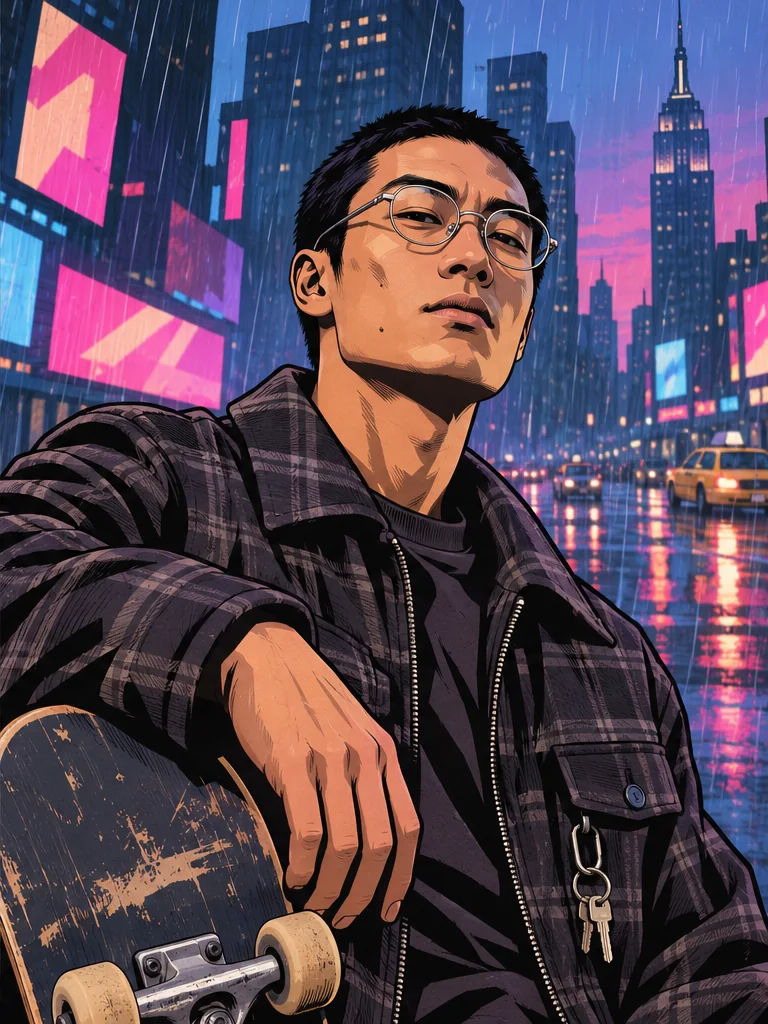
How to Make a GTA-Style Profile Picture
Choose a clear photo, a readable backdrop, and a square composition for a GTA-style profile picture that still works at avatar size.
Read guide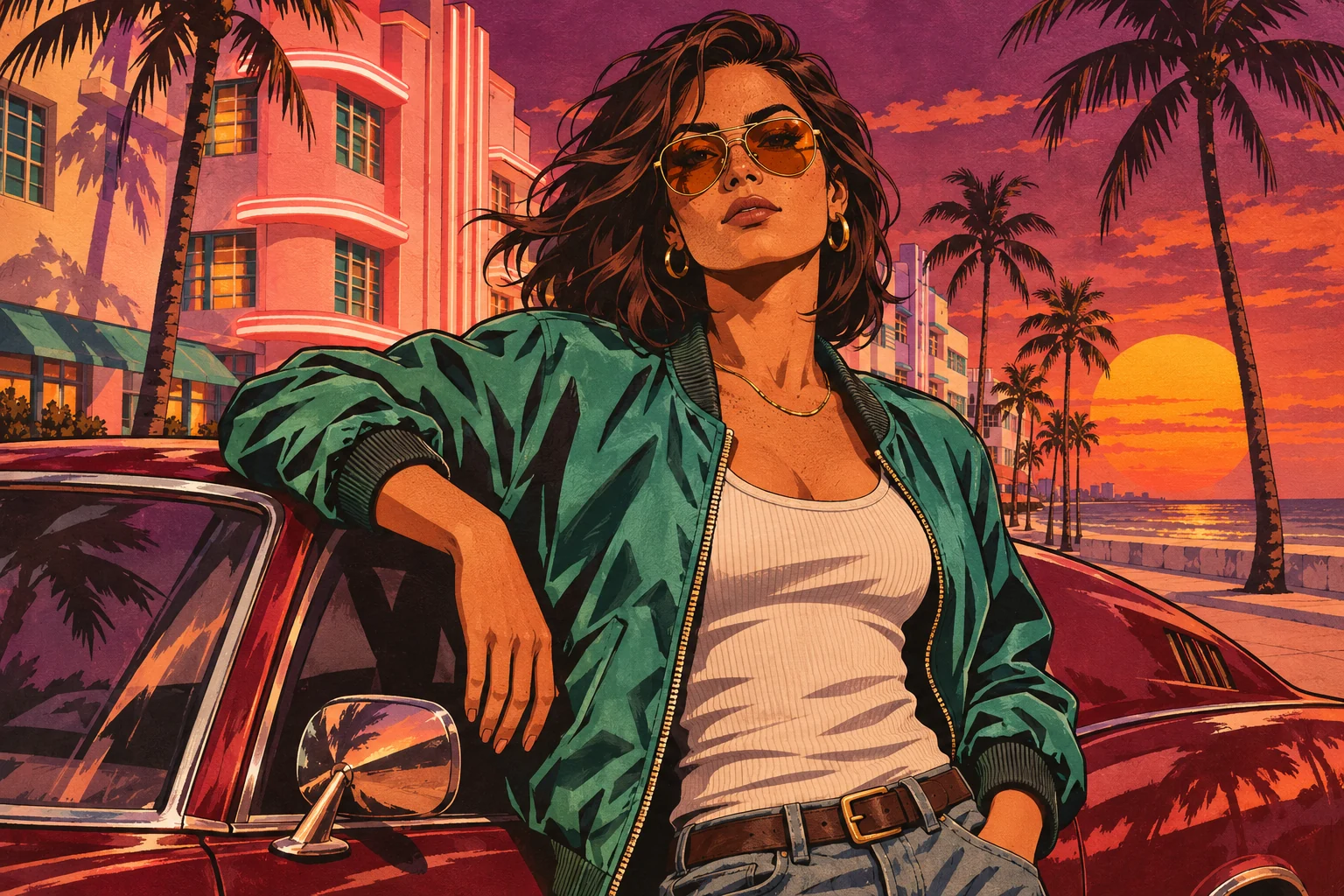
How to Make a GTA-Style Wallpaper From a Photo
Pick a portrait or landscape GTA-style scene, leave space for screen controls, and crop the finished image for your phone or desktop.
Read guide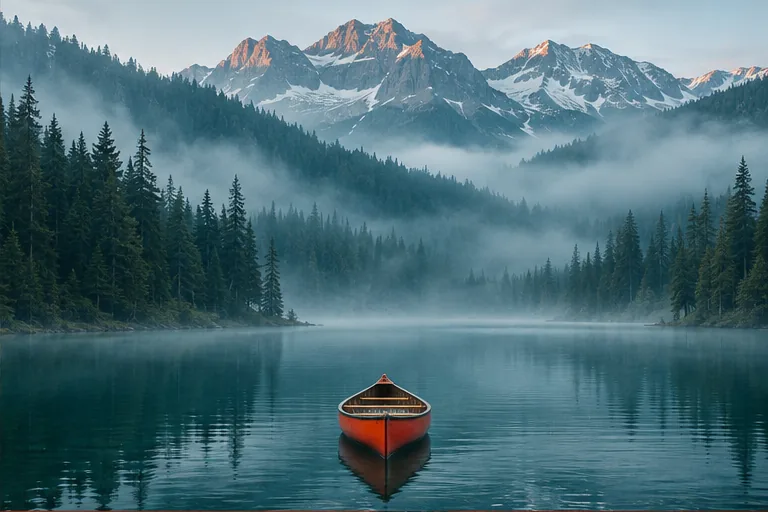
How to Write AI Image Prompts With Examples
Learn how to describe the subject, framing, and lighting in a text-to-image prompt. Try examples for product photos, landscapes, and illustrations.
Read guide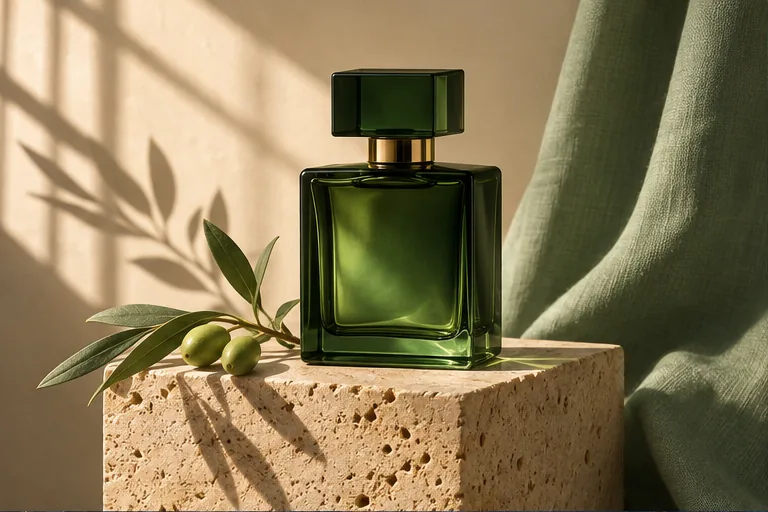
How to Edit a Photo With AI Using Image to Image
Learn what to upload, how to write an edit prompt, and when to use up to three reference images for color, lighting, or composition.
Read guide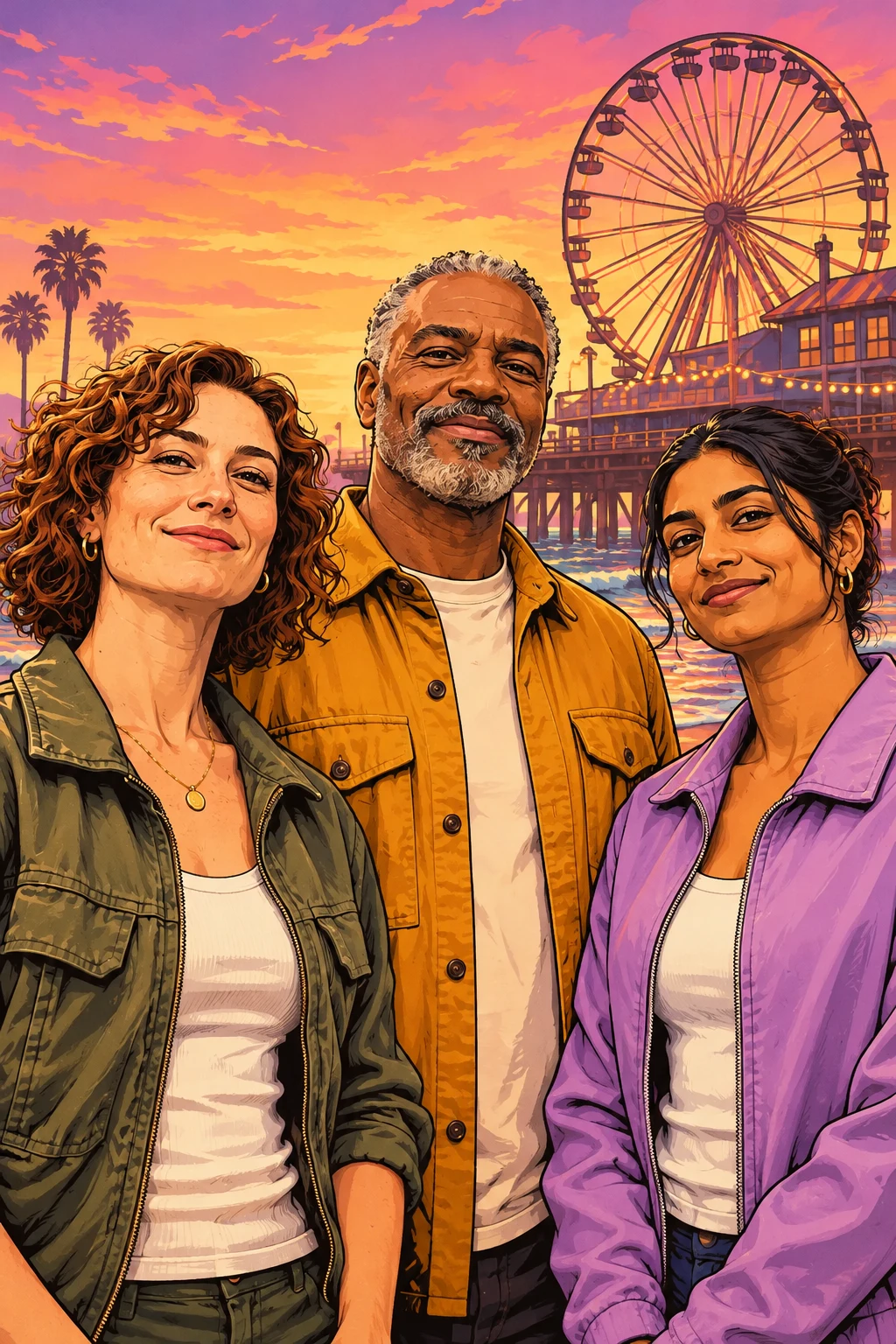
How to Get a Better GTA-Style Portrait From a Group Photo
Choose a source photo, a scene, and an image size that keep everyone in frame.
Read guide