 Image Generator
How to Make a GTA-Style Wallpaper From a Photo
Pick a portrait or landscape GTA-style scene, leave space for screen controls, and crop the finished image for your phone or desktop.
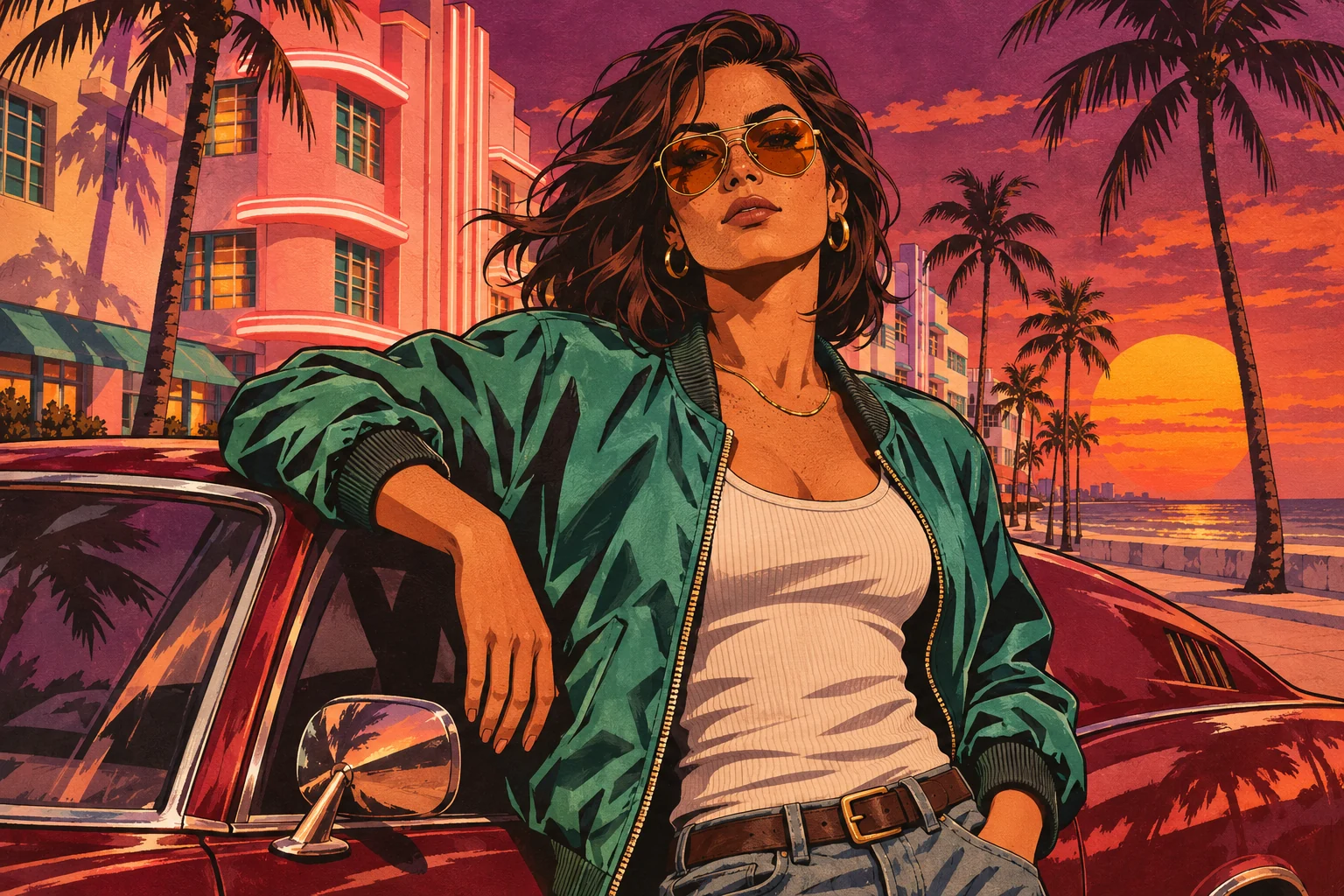
Start with the screen where the wallpaper will live. A phone lock screen needs room for the clock. A desktop background needs to look good after the operating system fills a wide display. The GTA Style Image Generator gives you a portrait or landscape image to start from.
Frame a phone wallpaper around the clock
Choose Portrait for a 1024 × 1536 image. A tall phone screen often crops the sides of a 2:3 image when it fills the screen. Use a photo with the main subject near the middle and room around the head and shoulders. A quiet patch of sky or a wall near the top makes the clock easier to read.
Try Ocean Beach for a warm sunset, or Mount Chiliad for subdued blue. Inspect the downloaded image in your phone’s wallpaper preview. Move the crop if the clock covers a face or a notification overlaps the most important detail.
Leave room at the edges for a desktop wallpaper
Choose Landscape for a 1536 × 1024 image. A 16:9 desktop set to fill usually trims some of the top and bottom. Keep a car, a face, and any details you care about away from those edges. Downtown Los Santos gives you an urban skyline. Del Perro Pier works when the wide view and Ferris wheel are part of the composition.
Preview the file with your desktop icons showing. Darker, less detailed areas generally give icon labels more contrast. If you place files on the left, use a photo with space there and position the crop so the main subject stays visible.
Pick the right fix for an awkward result
If the artwork looks good and the screen crop is the problem, adjust the wallpaper’s fit or crop before generating again. To keep the whole picture, try a fit mode and preview any borders your device adds. If the source composition gives you no room for the clock or icons, choose a wider original photo and generate a new version.
A 4K display may upscale the finished file. Check the wallpaper at your normal viewing distance before deciding whether you need a higher-resolution image. For a smaller square crop, see the GTA-style profile picture guide.