 Image Generator
How to Make a GTA-Style Profile Picture
Choose a clear photo, a readable backdrop, and a square composition for a GTA-style profile picture that still works at avatar size.
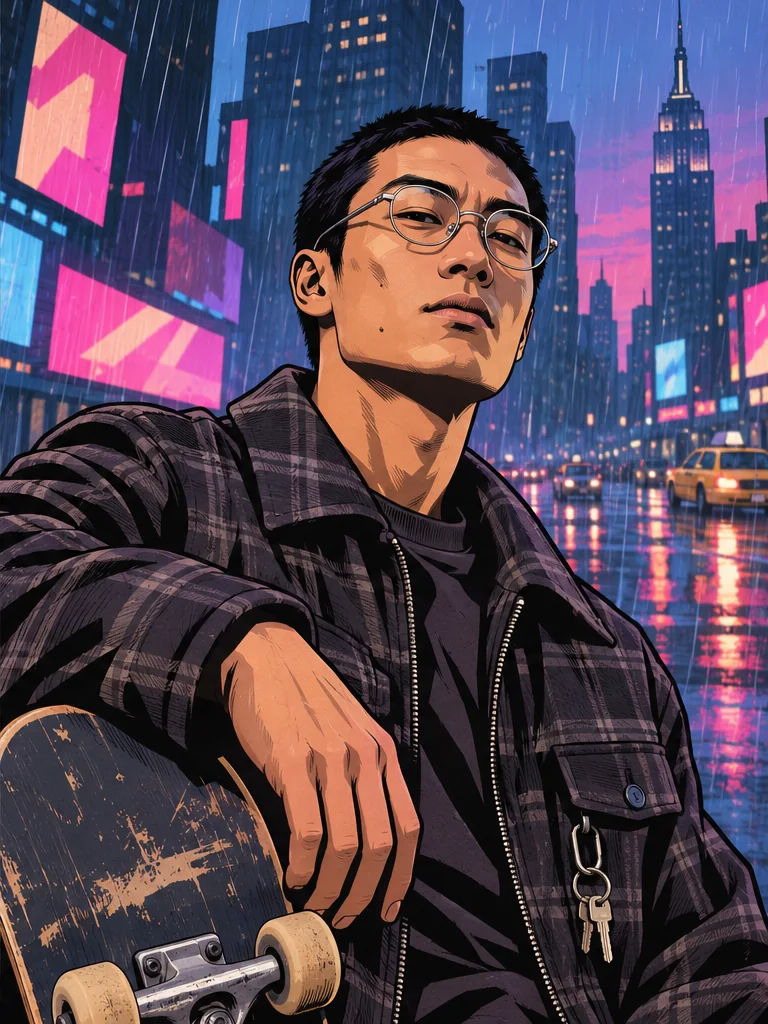
A profile picture has to work at about the size of a postage stamp. For a GTA-style avatar, start with a single clear face, choose a backdrop that gives the head room, and generate a square image. The lighting and crop matter more at this size than picking the busiest scene.
Pick a photo that works inside a circle
Try a head-and-shoulders photo taken at eye level. Leave room above your hair and on both sides of your shoulders. Many apps display a square upload inside a circle, so glasses, a hat brim, or an elbow at the edge of the square can disappear.
If you want to use a full-body shot, look at it in your camera roll as a small thumbnail first. When the face gets lost at that size, use a closer source photo. A window-lit selfie with detail in both eyes usually gives the tool a clearer starting point than a dark shot taken at arm’s length.
Use the backdrop to separate the face from the background
- Ocean Beach pairs a warm sky with palm silhouettes. It works well when you want a warm rim of color behind darker hair.
- Star Junction gives you blues and pinks from city lights. Start with an evenly lit face so the night colors have details to work with.
- Mount Chiliad gives you a quieter blue backdrop and clear mountain shapes. Try it if your jacket, glasses, or hair should be the first thing people notice.
Open the GTA Style Image Generator, choose Square, and inspect your result before trying a second scene. Keeping the photo and size the same lets you see what the backdrop changes on its own.
Check the version you will actually upload
Download the 1024 × 1024 image, zoom out, and preview its crop in the profile editor. Look at the eyes, the outline of the head, and the area around the chin. If a circular crop clips your hair, zoom out in the crop editor where possible. If the face still gets lost, switch to a closer source photo with some margin around the head and regenerate.
For a picture with several people, start with the GTA-style group photo guide. It explains when a landscape composition gives faces the space they need.