 Image Generator
GTA Style
Image Generator
Redraw a portrait or group photo with the GTA AI filter. Choose from 20 loading-screen scenes.
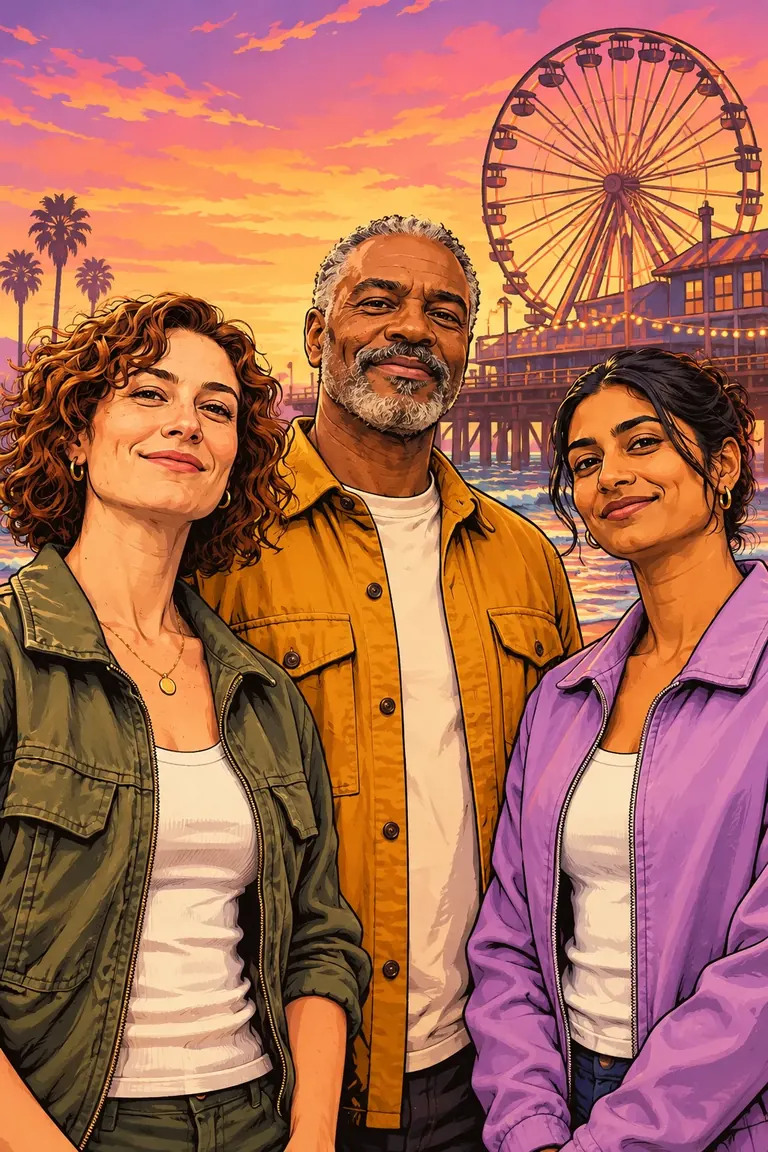
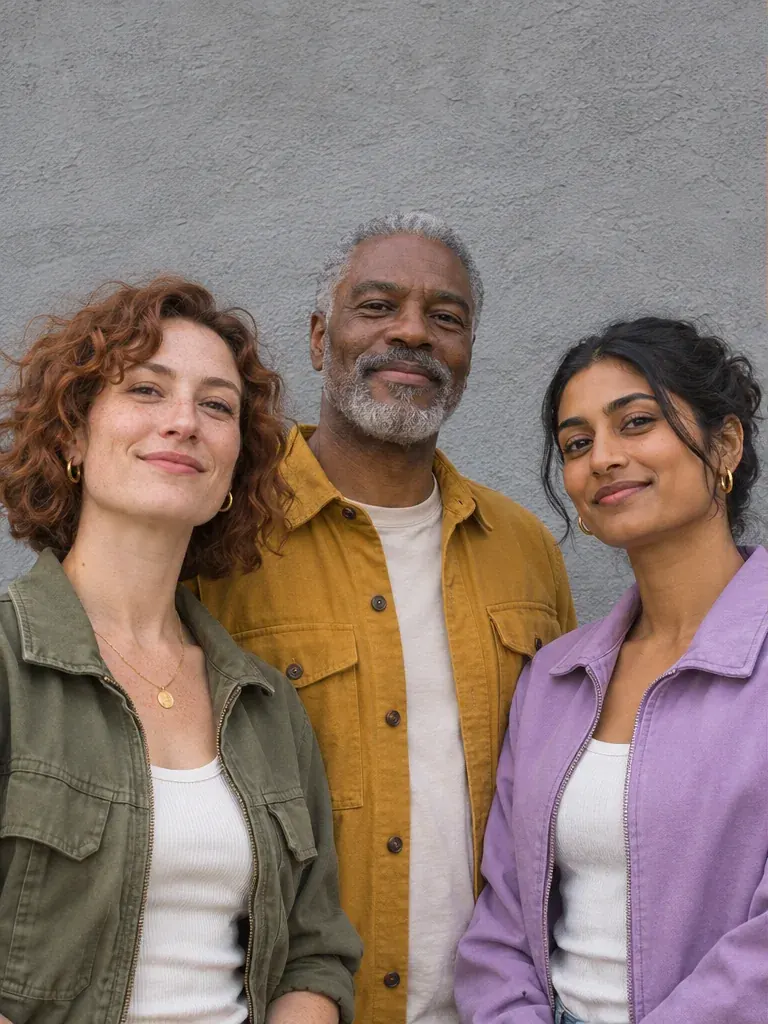 OriginalGTA Style
Create a GTA-style portrait
Your finished portrait will appear here.
GTA filter before and after
Drag a divider to compare the source photo and the illustration.
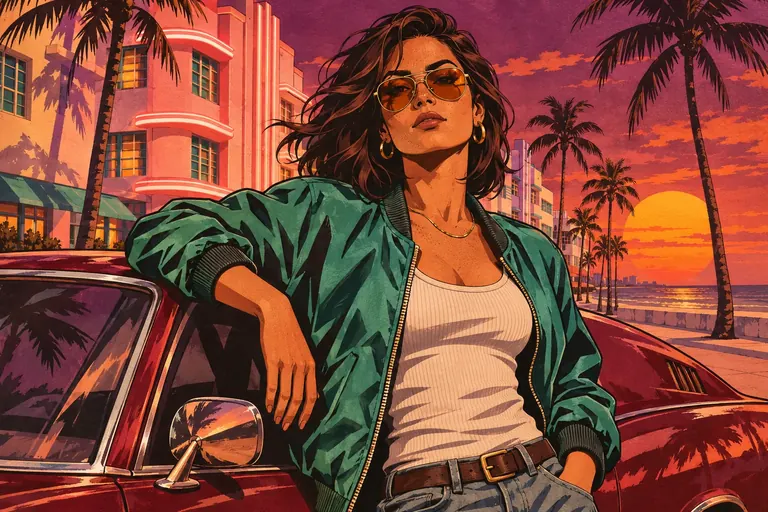
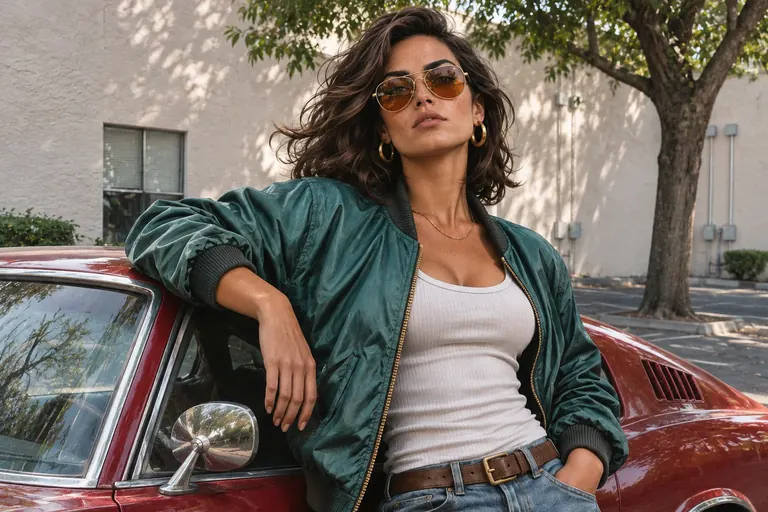 OriginalGTA Style
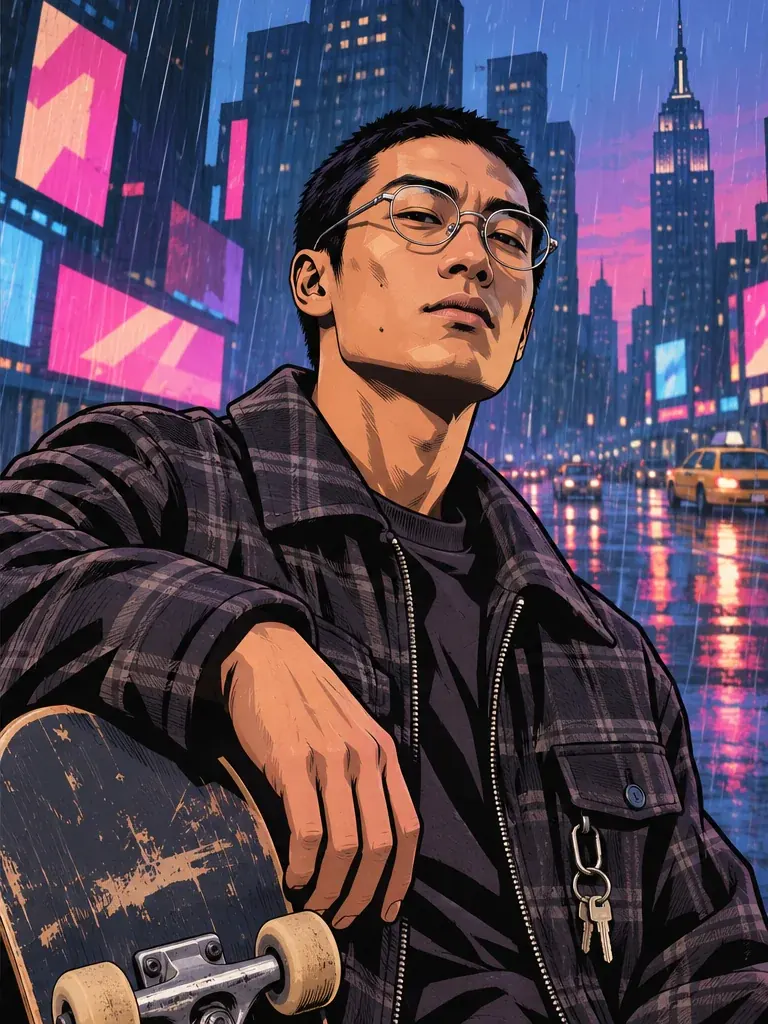
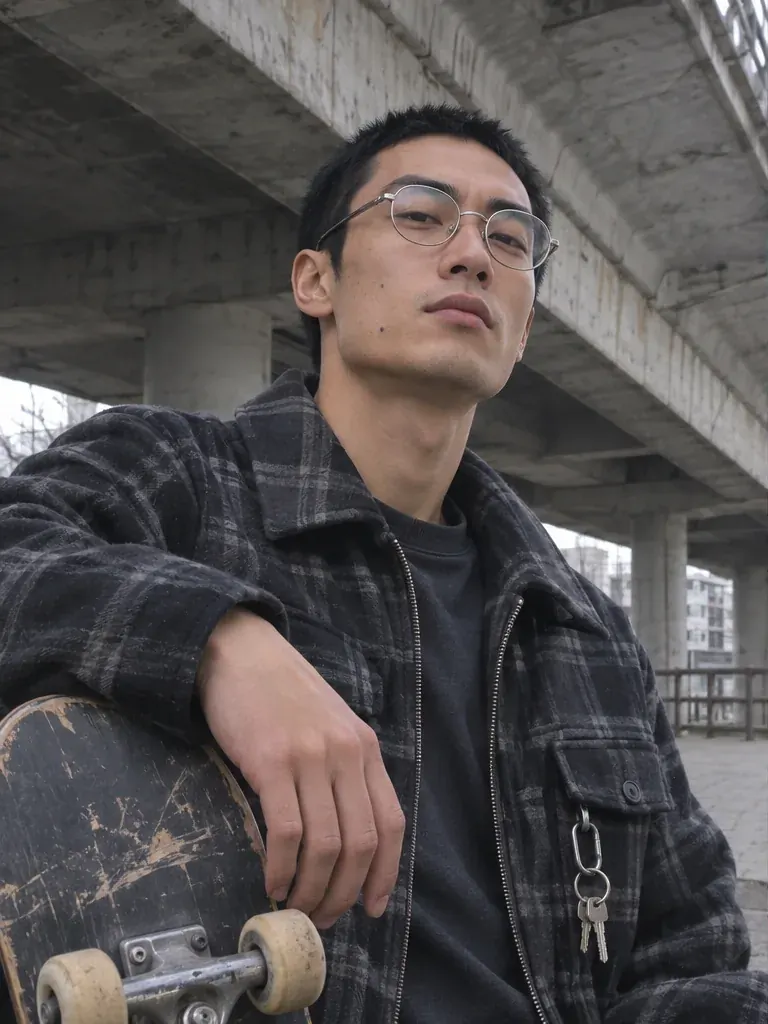 OriginalGTA Style
All example photos are synthetic. The Del Perro Pier group portrait above shows an output from this generator.
Explore 20 GTA-style scenes
Choose a backdrop to open it in the generator.
20 scenes shown
Ocean Beach
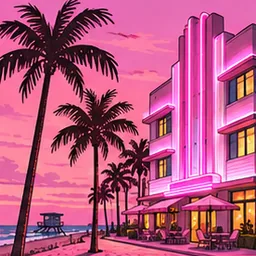
Vice CityArt Deco beachfront hotels, neon coral, tall palms and a sunset over the Atlantic.
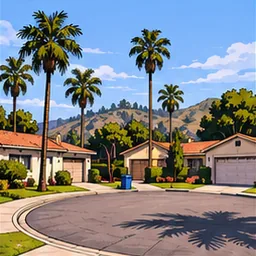
Grove Street
San AndreasA 1990s Southern California cul-de-sac, low stucco houses and tall palms in warm daylight.
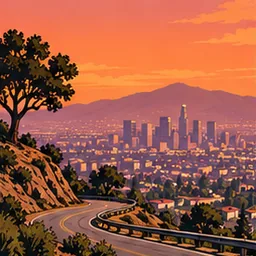
Vinewood Hills
GTA VA winding hillside road above a sprawling city skyline at amber sunset.
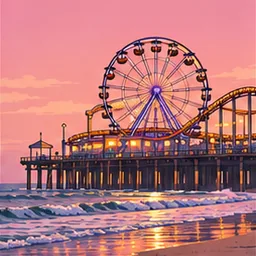
Del Perro Pier
GTA VA Ferris wheel and a timber amusement pier over pastel surf.
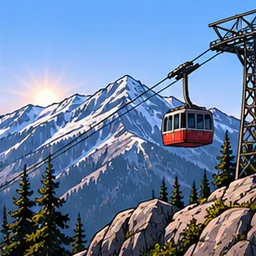
Mount Chiliad
GTA VA cable car above rugged mountain ridges at cold blue sunrise.
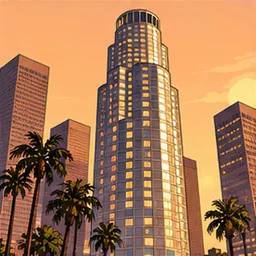
Downtown Los Santos
GTA VCylindrical glass towers, palm-lined sidewalks and amber sunset reflections.
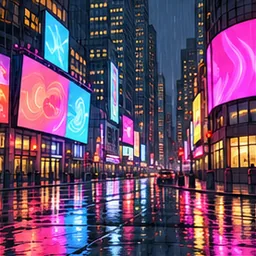
Star Junction
GTA IVStacked neon billboards without text, wet streets and a deep blue night.
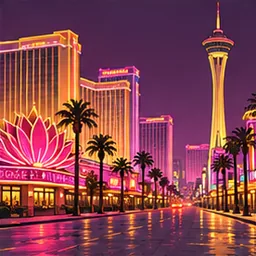
The Strip
San AndreasA desert casino avenue with electric pink and gold lights at dusk.
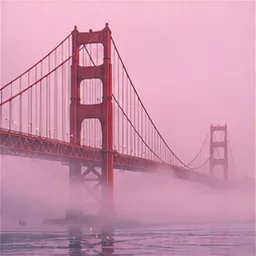
Gant Bridge
San AndreasA vermilion suspension bridge rising out of pale harbor fog.
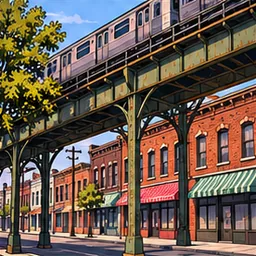
Hove Beach
GTA IVElevated steel rails above brick corner shops, with late afternoon shadows.
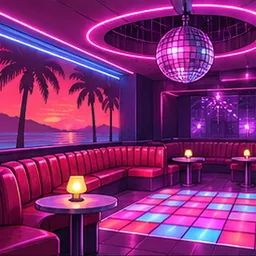
Malibu Club
Vice CityA purple and coral eighties dance floor with booths and a mirror ball.
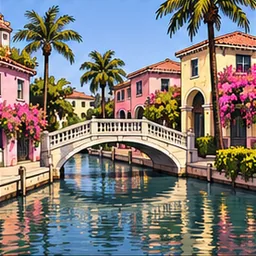
Vespucci Canals
GTA VA low white footbridge, sunlit canals and colorful stucco villas.
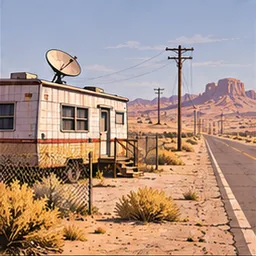
Sandy Shores
GTA VDesert trailers, dusty scrub and a straight road under a broad sky.
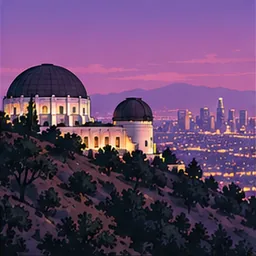
Galileo Observatory
GTA VWhite observatory domes above violet city lights at twilight.
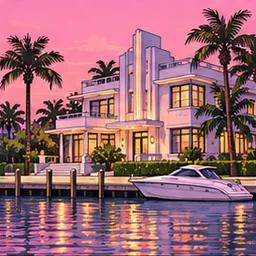
Starfish Island
Vice CityArt Deco waterfront villas, turquoise water and a rose sunset.
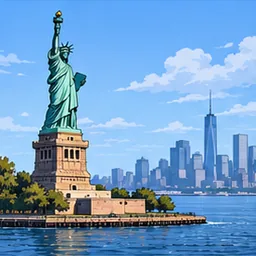
Happiness Island
GTA IVA copper harbor statue and cool blue metropolitan skyline.
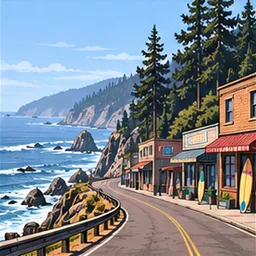
Paleto Bay
GTA VPacific surf, a small-town coastal strip and pine-covered foothills.
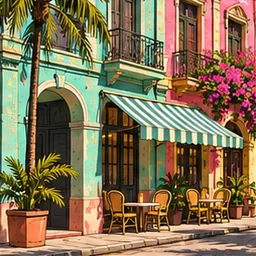
Little Havana
Vice CityCuban café awnings, tropical foliage and sun-washed pastel storefronts.
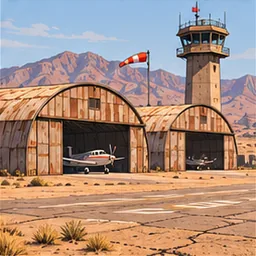
Verdant Meadows
San AndreasA dusty desert runway and rust-colored hangars in late afternoon light.
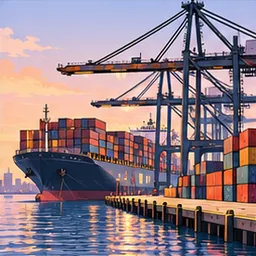
Portland Harbor
GTA IIICargo cranes, stacked containers and an industrial wharf at golden hour.
How to make a GTA-style portrait
Upload a clear photo
Choose an evenly lit image with clear faces. For a group, leave room around the people at the edges.
Choose a scene
Try Ocean Beach for sunsets and palms, Grove Street for daylight, or Star Junction for city lights.
Pick a size and download
Choose square for a profile picture, portrait for a phone wallpaper, or landscape for a group. Download the finished image from the generator or My images.
GTA AI filter FAQ
Is the GTA AI filter free?
You can compare examples and set up your photo for free. Generation costs 5 credits per image. A one-time pack of 100 credits costs $9.99 USD before any applicable tax and covers up to 20 images. See pricing
What does this GTA filter do?
AI redraws your uploaded photo as an illustration with strong outlines, bold colors and a new background. It works on a still photo and takes time to generate the new image.
Can I use this on my phone?
Yes. Open the generator in your mobile browser and choose a JPG, PNG or WebP from your device. You can download the result there or open My images on another device you sign in to.
Can I upload a group photo?
Upload one photo with everyone in it, with space at the edges and clear faces. Landscape gives a row of three or more people extra room. Get permission from everyone shown before uploading. Read the group photo guide
Will the AI keep my face and clothes?
The source photo guides the faces, clothing and poses. Features and colors can shift during the redraw. A sharp photo in even light gives it clearer details to work with.
What image sizes can I download?
Square is 1024 × 1024 pixels, portrait is 1024 × 1536, and landscape is 1536 × 1024.
How long does it take, and what if generation fails?
Timing depends on the photo and queue. You can leave the page and check My images later. If generation fails or times out, the 5 credits are returned automatically.
Who can see my photos?
Your source photo is sent to the services that process your job and removed from our storage when the job finishes or expires. Your result stays in your private library until you remove it. Read the privacy policy
Who makes this GTA AI filter?
An independent fan-made tool, unaffiliated with Rockstar Games and Take-Two Interactive.
Can I share or use my GTA-style images commercially?
You can download the image to share it. Before publishing or selling an image, check that you have the needed permissions for the source photo, the people shown and any third-party material in the result. Read the terms for generated images
Turn your photo into GTA-style art
Create your portraitGrand Theft Auto and GTA are trademarks of their respective owners.